


Do any of these sound familiar?
Strategic business systemisation and process improvement for growing businesses.
We work with you to map how work really gets done, simplify what’s messy, and build a clearer way of operating across the business, so your team can deliver more consistently without everything falling back on you.
Turn the way your business works into a clear, practical playbook your team can actually use.
We capture the know-how that lives in people’s heads and turn it into structured documentation your team can follow, so onboarding is easier, work is more consistent, and less dependent on a few key people.
Make your existing SOPs and operations manual easier to follow, use, and maintain.
We review what you already have, improve the structure, standardise the content, and make it more practical for day-to-day use, so your team has one reliable place to go instead of asking someone every time.

Hi, I’m Wendy, founder of Organising Works.
What comes naturally to me isn’t natural for most business owners. I’ve spent 17 years helping growing businesses build the structure that gives their teams clarity and their owners freedom.
If you want to know more about how I work and why I do this, read my story.

Before working with Organising Works, we had some systems in place, but they weren’t structured or easy for the team to use. We lacked clear KPIs and engagement, which made it difficult to scale. As a result, I was constantly stressed and overworked, making mistakes and struggling to see the bigger picture.
Wendy brought a fresh perspective and deep expertise, helping us refine our systems and create the structure we needed. I wouldn’t be where I am today without her support. I’m incredibly grateful for the transformation—it’s put my business in a much stronger position.
Nathan Vickery
Director at Fence Hire Australia & Vickery Holdings

Wendy and her team gave me hours of my day back through the development of our onboarding and training program.
Her insights and expertise were exactly what we needed to build out a comprehensive platform walking new team members through every step of our onboarding process using various types of media. We couldn’t be happier with the finished product.
Jillian Cardona
J&L Real Estate Group

Before working with Wendy, we had zero processes. I knew we needed them, but it was an overwhelming and daunting process and difficult to know where to start. Our biggest problem was doing things in the business inconsistently; this negatively impacted our customer experience.
Since systemising the business, we have confidence that things won’t slip through the gaps and that if someone leaves, all the knowledge doesn’t go with them. So I would recommend building a solid foundation of systems for any business that wants to grow to the next level. Working with Wendy has been a positive experience.
Chris Thomas
PlayMR
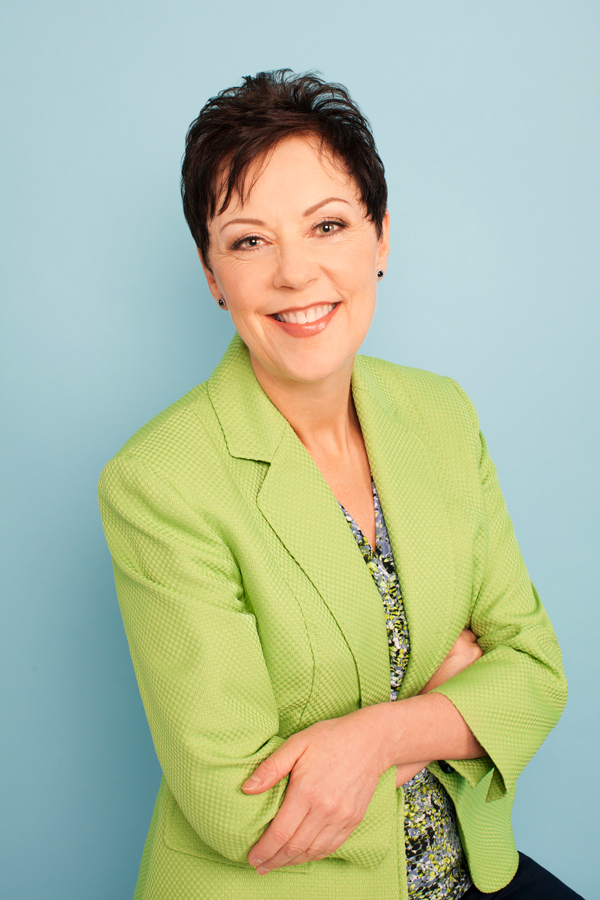
I had the pleasure of working with Wendy to build out our systems. I understood the need to develop clear processes to allow me to create a business that could eventually run well without me – but I had NO IDEA where to start. Wendy acted as a skilled, patient, compassionate guide to help me move through this process. I was overwhelmed initially, but with Wendy’s guidance and support, she was able to break it down into manageable steps, and I am so proud of what I have been able to create with her assistance.
I could have never completed this project or had such a polished end product without her help. I would highly recommend her services!
Mary Joan Brinson
Founder & Director at The Relationship Centre

Wendy and her team have been fantastic in helping me document and organise all the processes and systems in my business. She has taken the time to methodically understand each working component of our workflow, break it down, simplify it and then document it.
I highly recommend using Wendy to help take your business to the next level while getting some of your precious time back!
Gene Graham
Managing Director at Economy Glass
Tell us what’s getting in the way and what you want to achieve. We’ll identify the key bottlenecks and agree on the right priorities.
You’ll get a practical plan with clear priorities, defined scope, and the next steps to improve how work gets done in your business.
We help you put the plan into action, embed it into day-to-day operations, and keep it useful as your business grows.
We work with growing service-based businesses that need a clearer way of working. If processes are patchy, training takes too long, mistakes keep repeating, or too much still depends on the owner or a few key people, we can help.
Business process documentation captures how work gets done in your business in a clear, practical format your team can actually use. It can include SOPs, process guides, and a practical playbook your team can follow, so work is done more consistently, and training is easier.
We start with a strategy call to understand what’s happening in your operations and where the biggest gaps are. From there, we recommend the best-fit service and work with your team to improve, document, or refine the way work gets done.
If you need to improve how work gets done day-to-day, the SmartOps Pathway is usually the best fit.
If your processes work well but are not yet clearly documented, the Business Playbook Formula helps turn that know-how into a practical playbook.
If you already have SOPs or an operations manual that need cleaning up, updating, or making easier to use, the Business Playbook Makeover is the right fit.
Five days. One short email each day. A practical starting point for documenting how work gets done so your team can do it without you in the middle of everything.
Free. No spam. Unsubscribe any time.
Copyright © 2026 | All Rights Reserved.